
- SYGNIFINETWORKS
- FOR BUSINESS
- FOR COMMUNITIES
- NETWORK NEWS
- CONTACT US
- By Email
- Support Ticket System
- By Phone 833-SYGNIFI (833-794-6434)
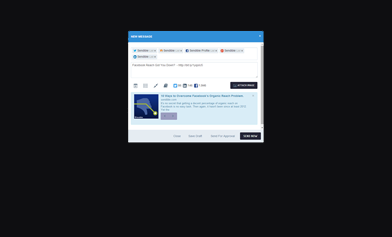
SmartSocial’s easy-to-use composition tools, allows you to effectively create content that displays beautifully across all social networks and blogs. Our intuitive compose message box adapts to whichever social network you’re targeting to ensure your posts look great!
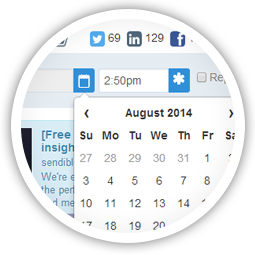
SmartSocial’s robust scheduling features make it easy to plan your social media strategy in advance. We even analyze your posts to suggest the best time for optimal engagement.
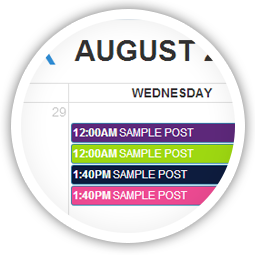
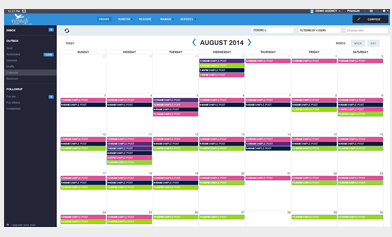
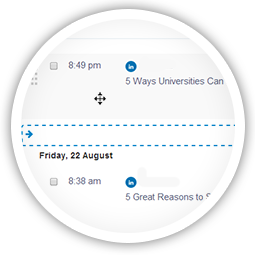
Our interactive calendar gives you a comprehensive overview of publishing activity across your account. With drag-and-drop functionality, you can quickly and easily re-arrange and optimize your content plan.
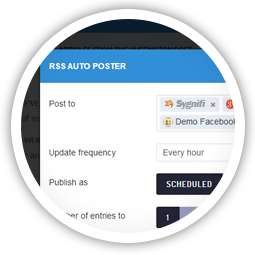
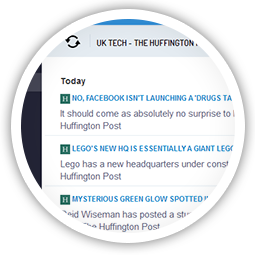
Use SmartSocial’s RSS Auto Posting features to publish topical content to your social networks at regular intervals throughout the day. Automatically distribute new posts from your blog to your social channels.
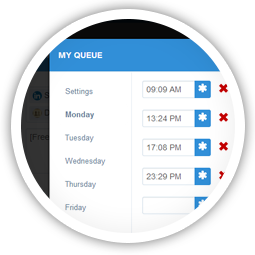
It’s not always easy to know exactly when to schedule content to be shared on social media. That’s why we’ve built Smart Queues that allow you to experiment with different publishing times for scheduling your content. SmartSocial will also learn and suggest the optimal times based on your audience activity.
Our interactive calendar gives you a comprehensive overview of publishing activity across your account. With drag-and-drop functionality, you can quickly and easily re-arrange and optimize your content plan.
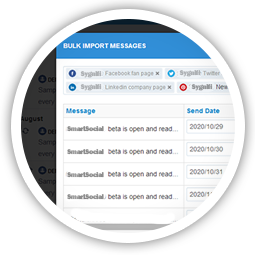
Import content from Excel, a CSV or any other external system to schedule multiple messages in bulk. Use our built-in grid to draft and schedule multiple messages for a campaign.
SmartSocial is constantly analyzing your social media accounts to determine the best time to post based on the highest probability of audience engagement.
Develop an editorial process by mapping ideas, drafts and content on a calendar. Schedule posts to different social networks and use our filters to see which content is created by whom and which channels it will be posted to.
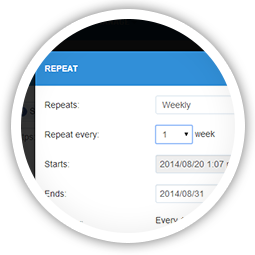
Use SmartSocial’s scheduling tools to configure content to be distributed on a daily, weekly, monthly or annually basis. Combine this with our automatic RSS distribution tools and you can ensure that your social media accounts are consistently updated with content.
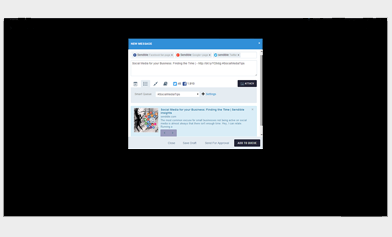
Built to maximize engagement with social content, our Smart Queue technology analyzes your social profiles to determine the optimal times to deliver content based on usage & engagement probability.
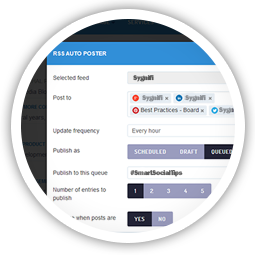
No time to keep your queues topped up with content? Use the RSS Auto Poster to add content from RSS feeds into your queues as soon as new posts become available, ensuring your queues are always topped up with relevant content.
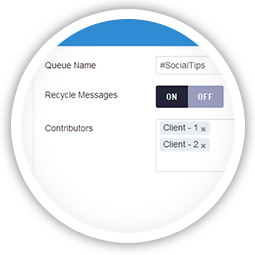
Smart Queues can be configured to either expire stale content immediately or to recycle posts so that they’re re-added to the end of the queue once they’ve been posted.
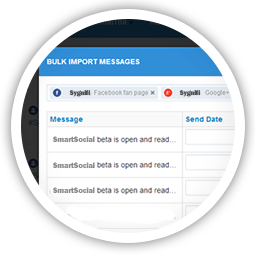
Plan ahead by loading all of your campaign’s content into a CSV file. Then, fill up your queues by bulk importing these messages into SmartSocial. Tweak the publishing times and frequency on your queues to optimize your campaign once it’s live.
SmartSocial’s advanced Compose Box, makes it easy to create content that displays beautifully across multiple social networks and channels by adapting to whichever social network you’re targeting, so you can always be sure your posts will look great!
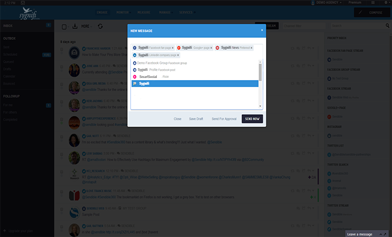
Use SmartSocial’s content libraries to store content that can be re-used later by team members or clients. Share libraries you’ve created with others to enable them to contribute content.
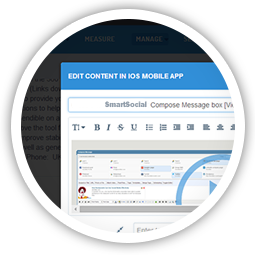
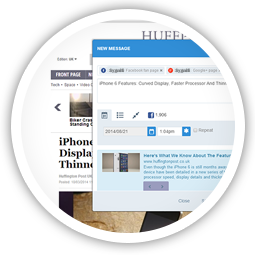
Install our Chrome Plugin or Bookmarklet and take SmartSocial with you when you’re browsing the web. If you see something you want to share, simply tap the SmartSocial Compose Box and publish now or schedule for later!
Use SmartSocial’s RSS Auto Posting features to publish topical content to your social networks at regular intervals throughout the day. Automatically distribute new posts from your blog to your social channels.
With so many integrations, SmartSocial ensures that you can access your content no matter where it’s stored. Simply connect your DropBox account to share pictures or connect your YouTube channel to post videos to your social networks.